
Guide
What's new, and what to do.
We changed how creators show their price and how brands find them. Each step below shows the new screen and takes you straight there. Questions? Write to hello@ogroti.net.
Step 1
Your next step, on My journeys
My journeys now opens with one panel that shows where your page stands and the one thing to do next: publish it, verify your channel, add it to Discover, or open to collab.
Open My journeysStep 2
Set your starting price and city
Say whether you're open to barter (the brand sends its product, no fee) and the lowest fee you take for a paid collab. Either one, or both. Add your city in the same step.
Brands filter creators by budget and city, and turning on Open to collab asks for your price first. You still choose which requests to accept.
Add my price and cityStep 3
How brands see you now
Brands browse creators on one page. Your card shows your subscribers, views per episode (the average of your last 10 long videos, Shorts left out) and when you last posted, refreshed from YouTube every day.
Each collab you finish through OGROTI is counted on your card and your page.
See the creators page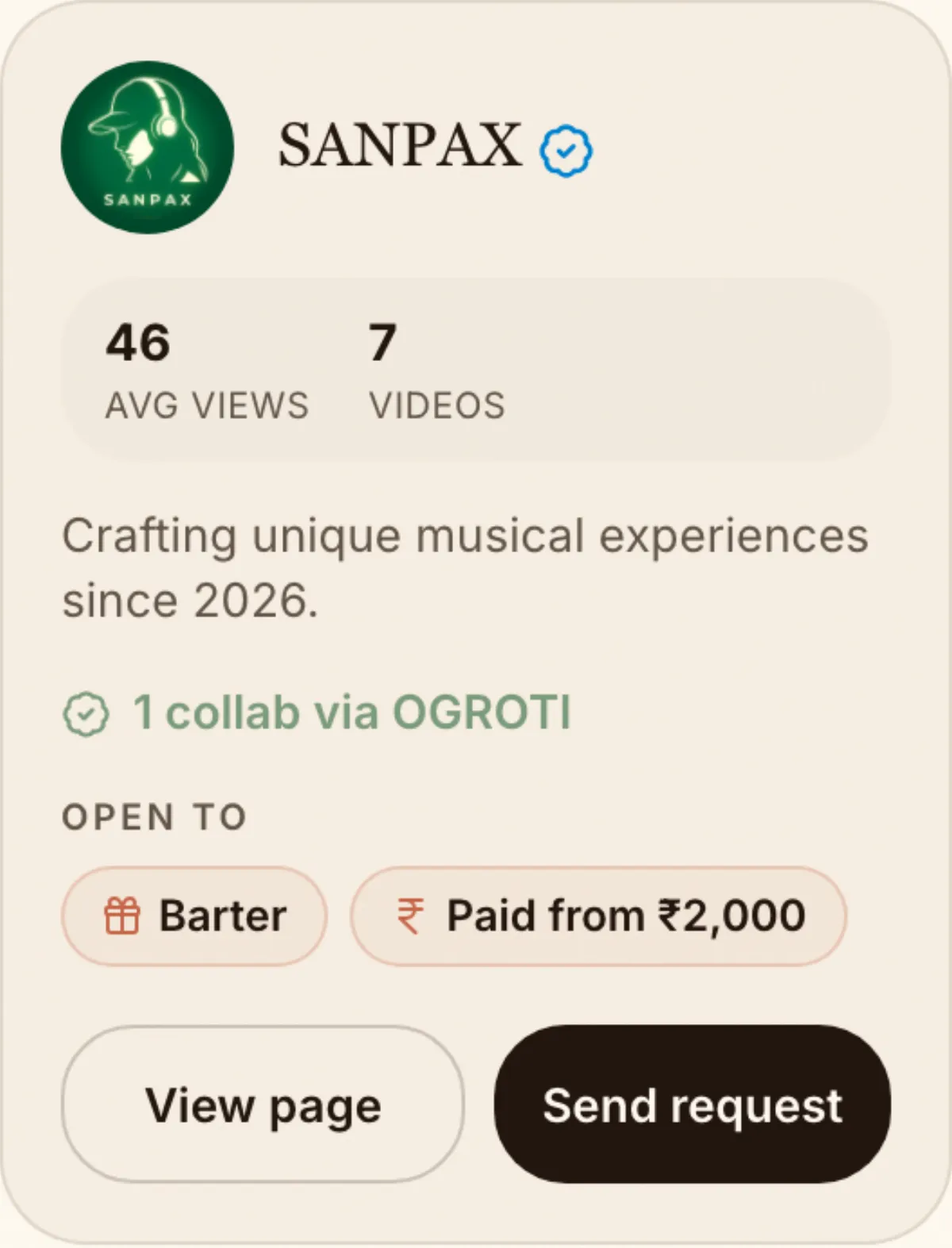
Step 4
When a brand sends a request
It arrives in My journeys under Requests, and by email from hello@ogroti.net. Tell us if you're interested.
OGROTI stays in the middle and runs the collab with you. Neither side shares contact details.
Open my requests